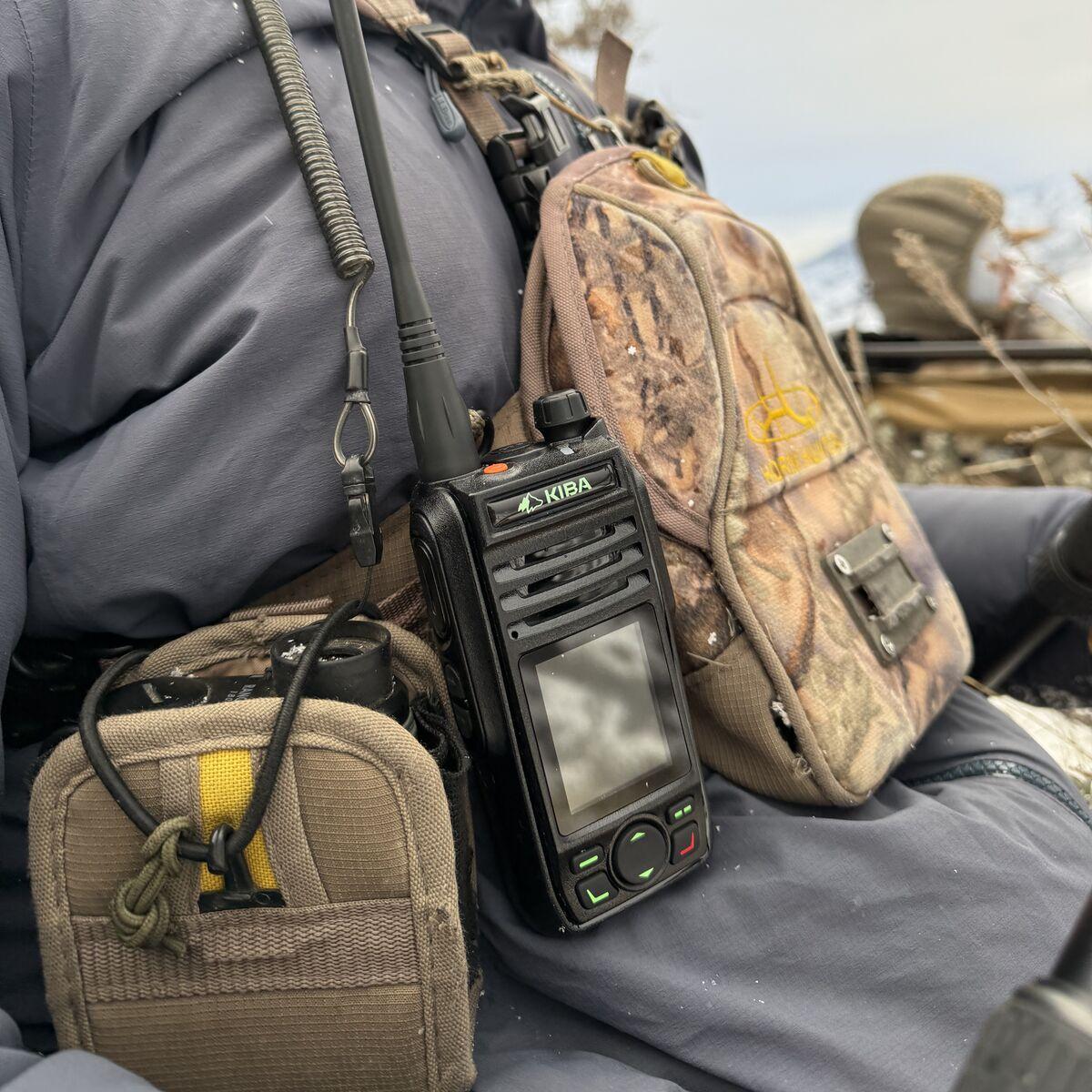
Set-up guide
Set up your Kiba Atlas
Pair it with Kiba Go, pick a channel, and your group is talking, texting and on the map.
Have a Kiba Scout? Scout set-up guide
Before you transmit: get your GMRS license
The FCC requires a license to talk or text on GMRS. It's $35, lasts 10 years, has no test and covers your family. You can set up the radio while you wait.
- 1
Get Kiba Go and sign in
Everyone in your group needs an Atlas and the Kiba Go app on their phone.
- 2
Charge and turn on the Atlas
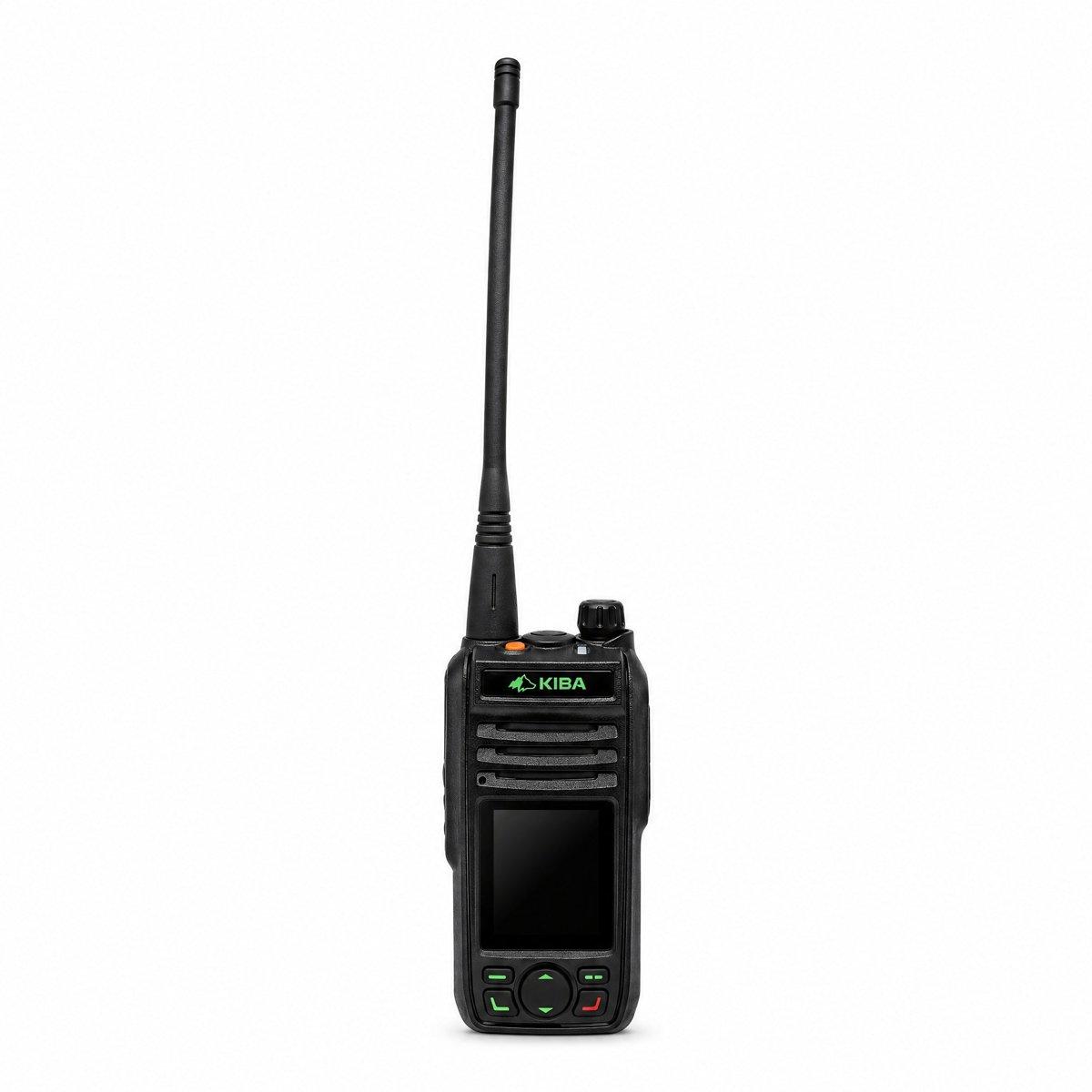
Top it up over USB-C, then turn the knob on top clockwise until the screen lights up. The same knob sets the volume.
- 3
Pair it with your phone
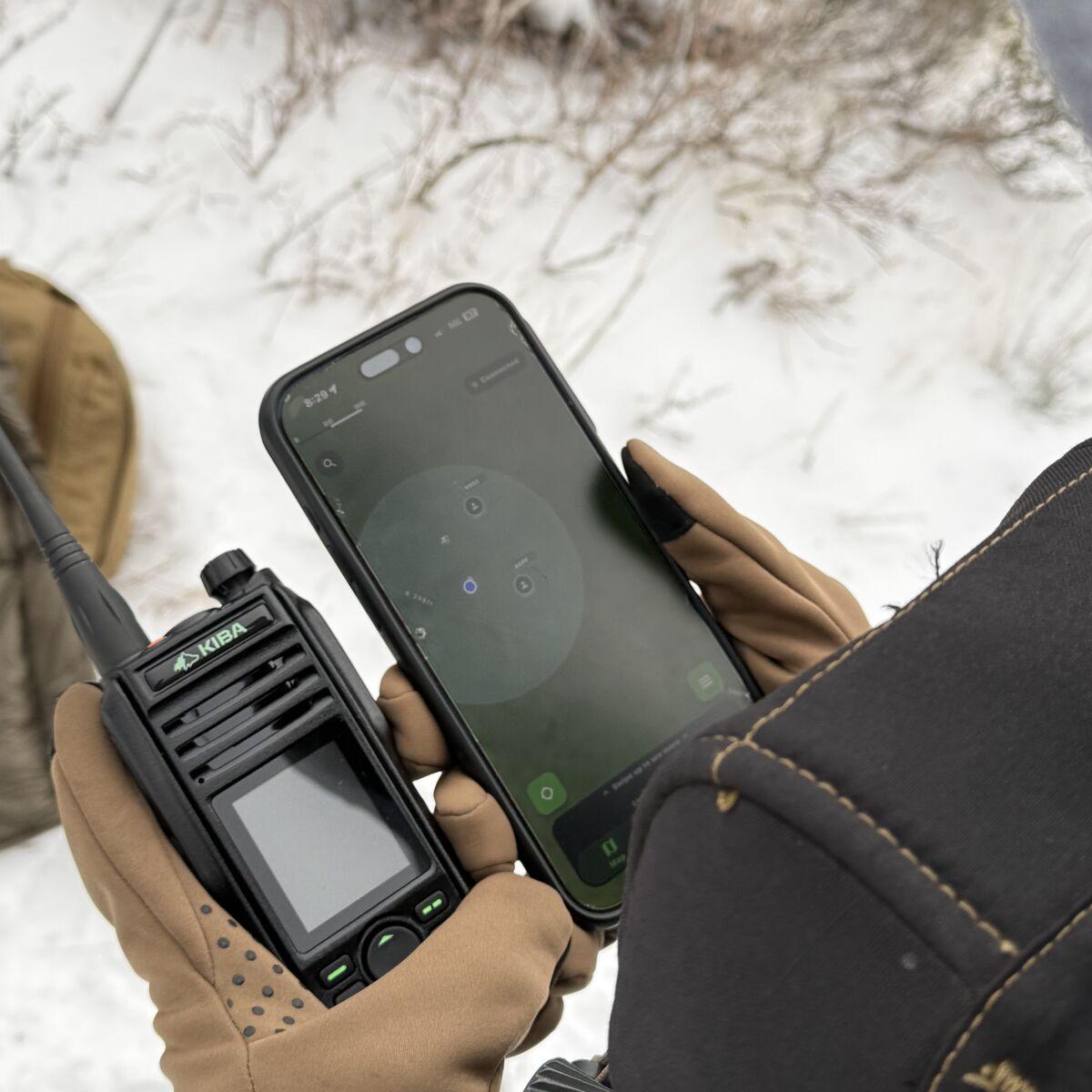
In Kiba Go, tap Set Up Device Now and choose Kiba Atlas from the list.
The first time, press the orange button on the radio twice to put it in pairing mode. It stays visible for about a minute, so tap Kiba Atlas in the app right after.
- 4
Set up your radio in the app
- Name: pick a name for your radio. This is what other radios see next to your texts and on the map.
- Channel: pick the channel your group will use. Everyone in the group must be on the same channel. Channels 8 to 14 are low power, so pick another for range.
- Position: share your location from your phone's GPS or the radio's own GPS.
- How often: GMRS rules allow a location update at most every 30 seconds.
- 5
Make a Private Group (optional)
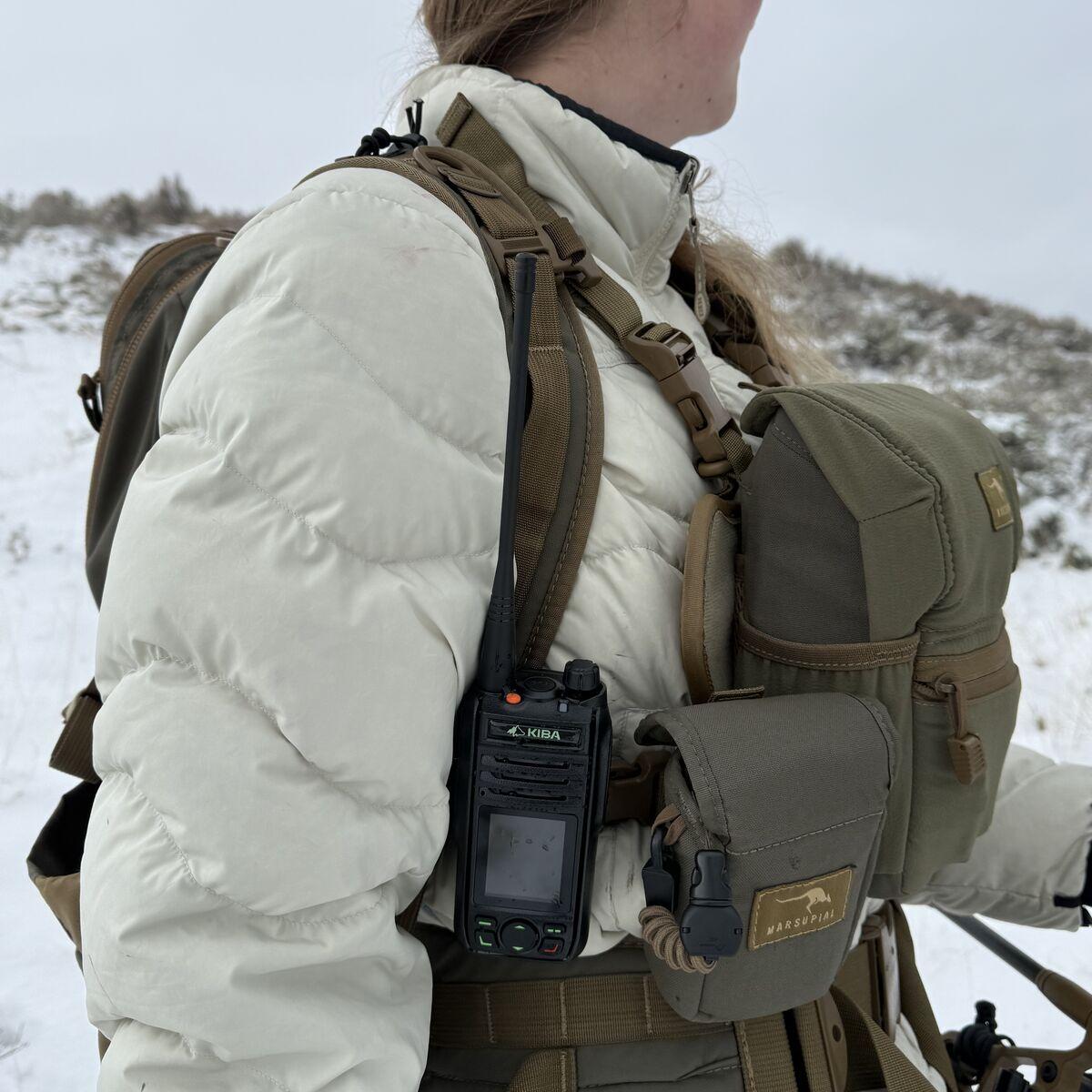
Without a group, you see texts and locations from every radio on your channel. With a Private Group, only your group's texts and locations show up. Create one in the app's Radio tab, and friends join by scanning your QR code, opening your link, or typing the 4-letter tag you read out over the radio.
Have everyone tap Check in once so the group knows who is in it.
- 6
Talk, text and see your group
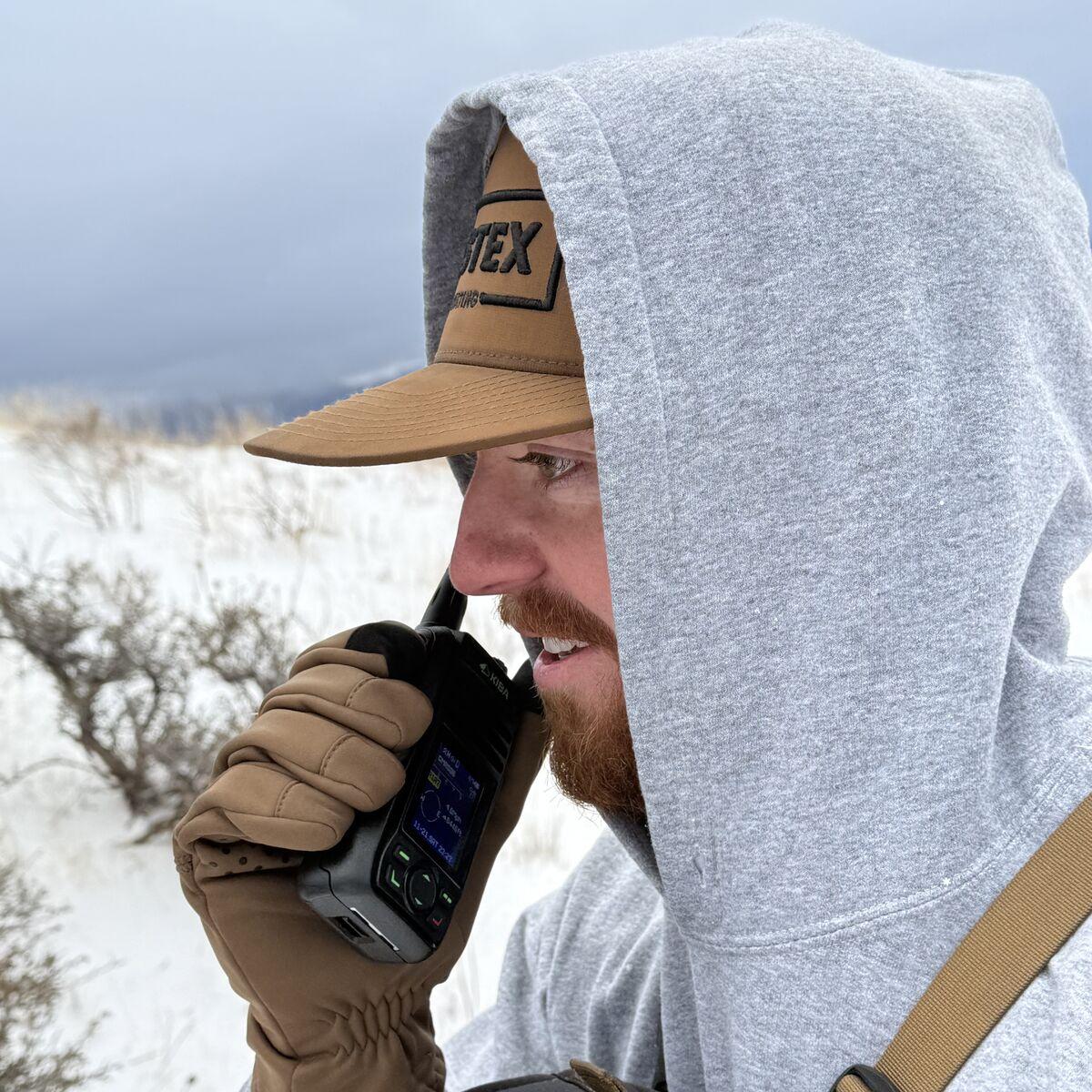
Talk: hold the push-to-talk button on the side, speak, then let go to listen. Say your FCC call sign at the end of a conversation and every 15 minutes while you talk.
Text and map: send texts from the Messages tab and see everyone on the Map. The radio can send once every 30 seconds, so the send button counts down between sends.
Good to know
- •Nothing on GMRS is encrypted. Anyone on your channel can hear your voice and read your texts. That is an FCC rule, not a Kiba setting.
- •The Atlas talks by voice with any GMRS or FRS radio on the same channel and privacy code. Texts, locations and the map work between Atlases.
- •The Atlas and the Kiba Scout cannot hear each other. Pick one type of radio for your whole group.
- •Reconnecting later skips setup. Your name and channel stay as you left them.
Troubleshooting
The Atlas doesn't show up in the app
- •Make sure the radio is on and close to your phone
- •Press the orange button twice. The radio stays visible for about a minute
- •Make sure Bluetooth is on
It paired before but won't connect now
- •Open your phone's Settings, then Bluetooth, and forget the radio
- •Turn the radio off and on again
- •Press the orange button twice, then tap Kiba Atlas in the app within a minute
My group can't see my texts or location
- •Check everyone is on the same channel
- •If you use a Private Group, check everyone has joined the same group and tapped Check in
- •Test a few yards apart first. If that works, get more line of sight for distance
Still stuck?
Contact us